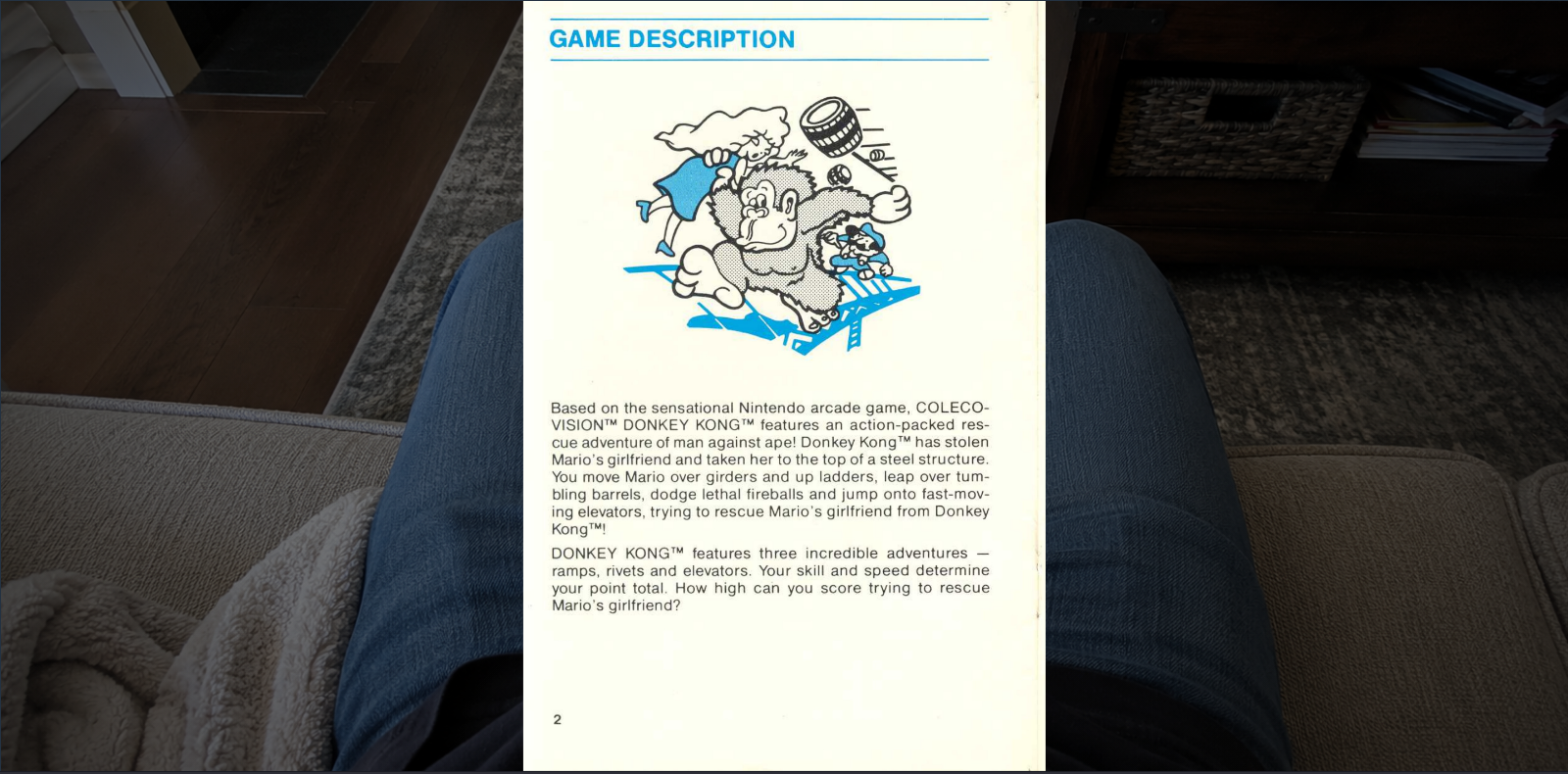
Single-page mode
Use single-page mode for manuals, smaller scans, mobile reading, or files where each image is one page.

Reader
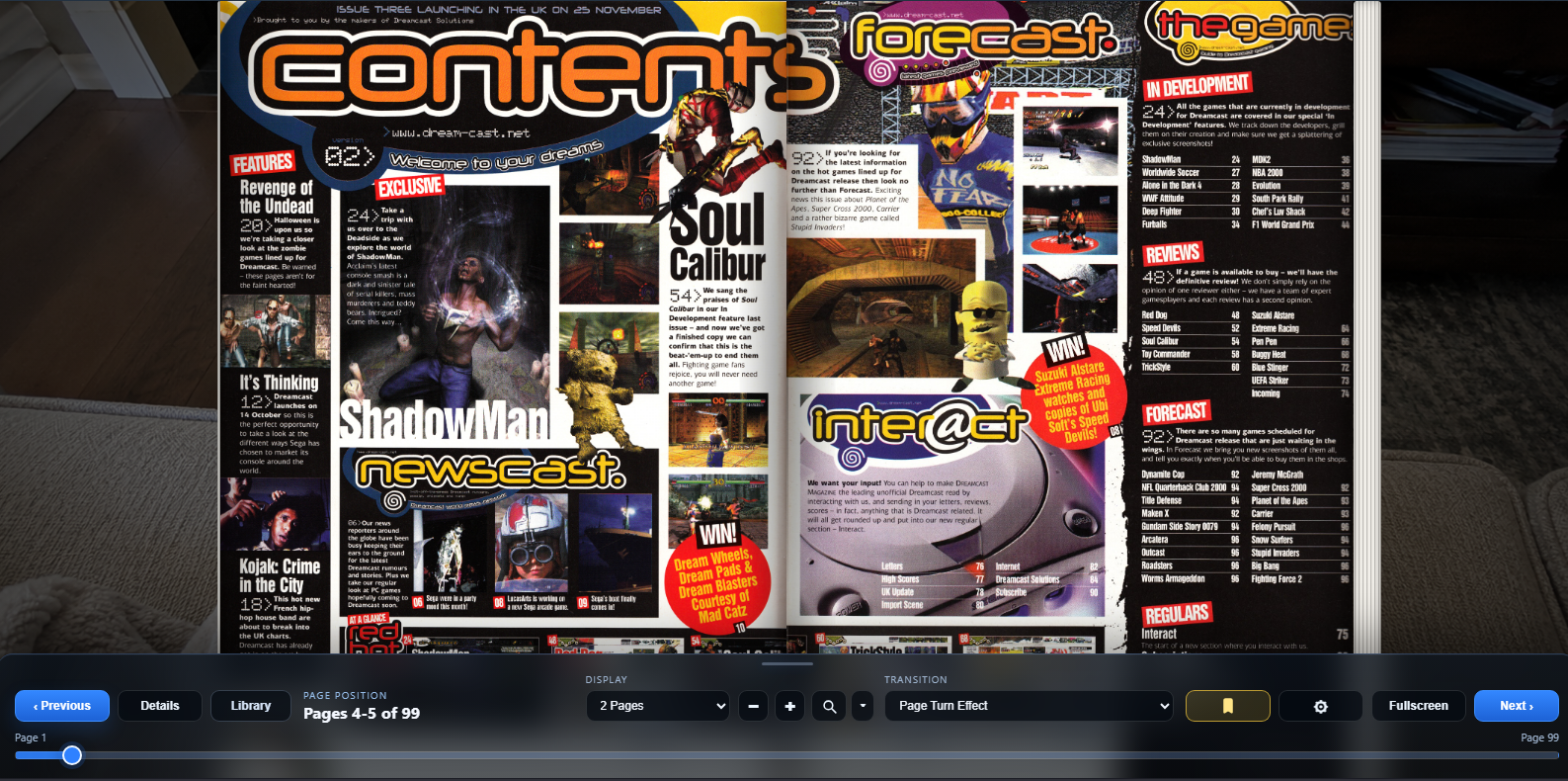
GuideVault’s reader is designed for visual material: full-page scans, two-page spreads, large magazine pages, dense maps, move lists, tables, and guide screenshots.
Use single-page mode for manuals, smaller scans, mobile reading, or files where each image is one page.
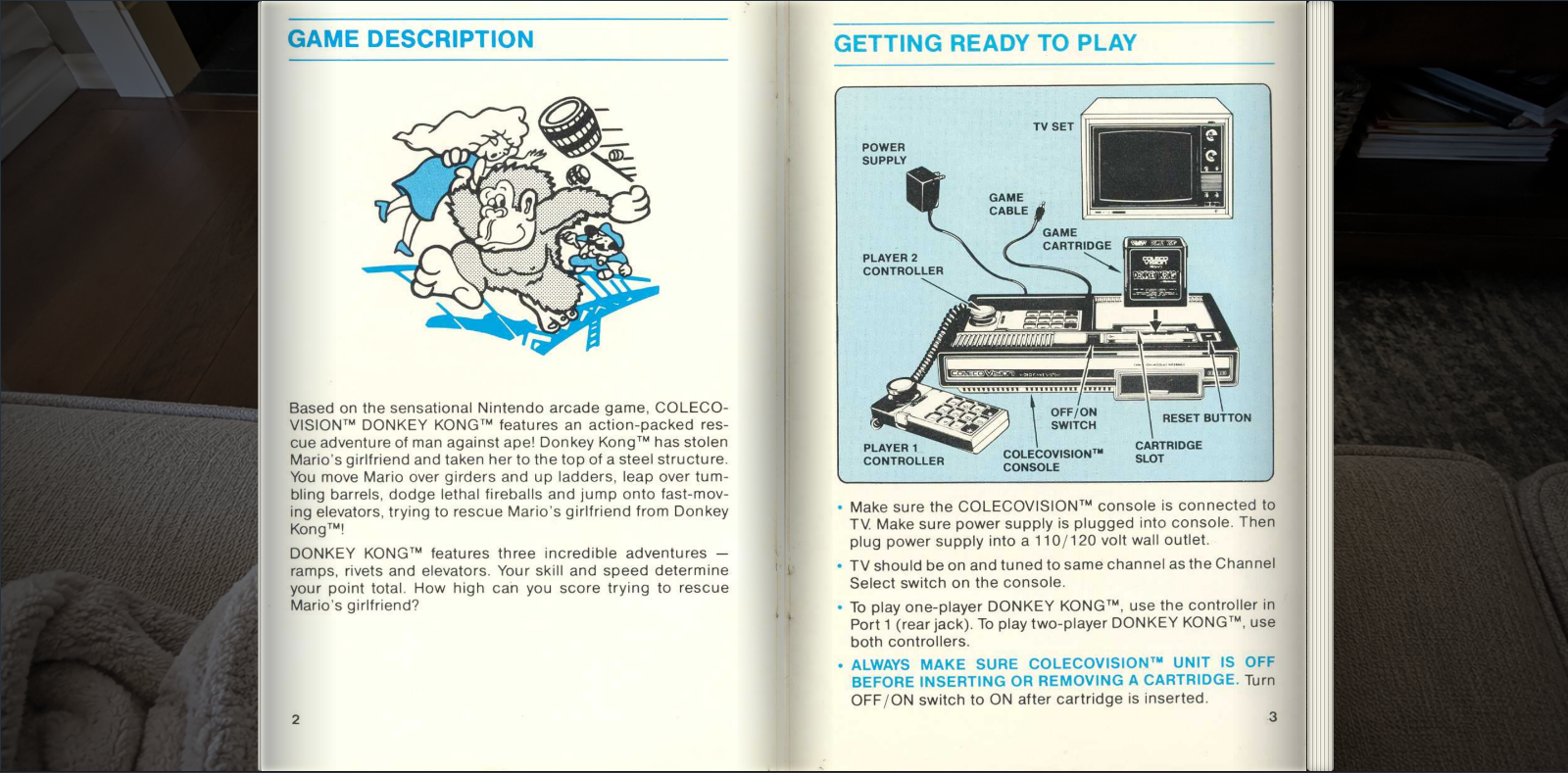
Use two-page mode for book-style reading when left and right pages should be viewed together.
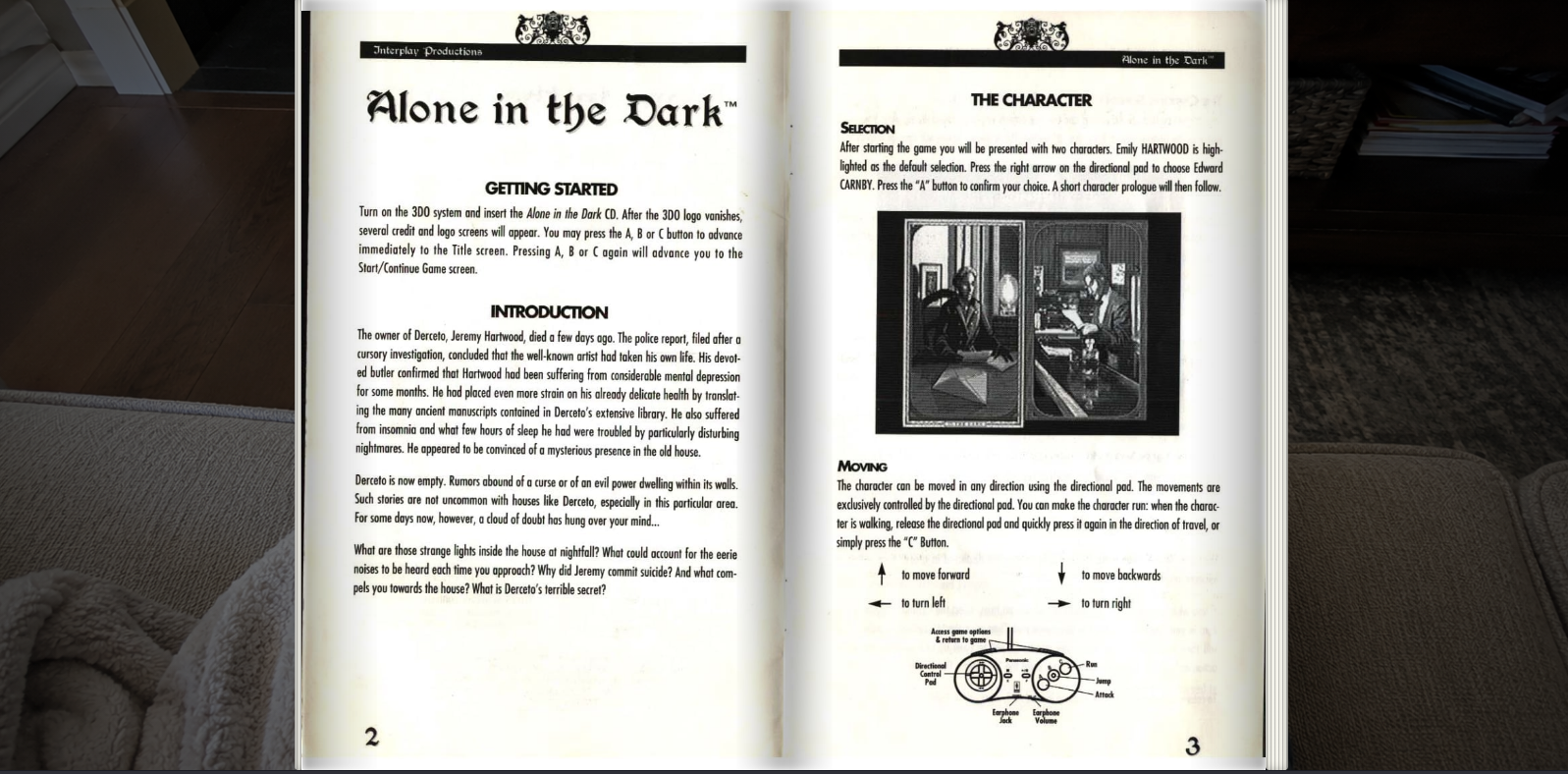
Use adaptive behavior for scanned files where one image may already contain a two-page spread.
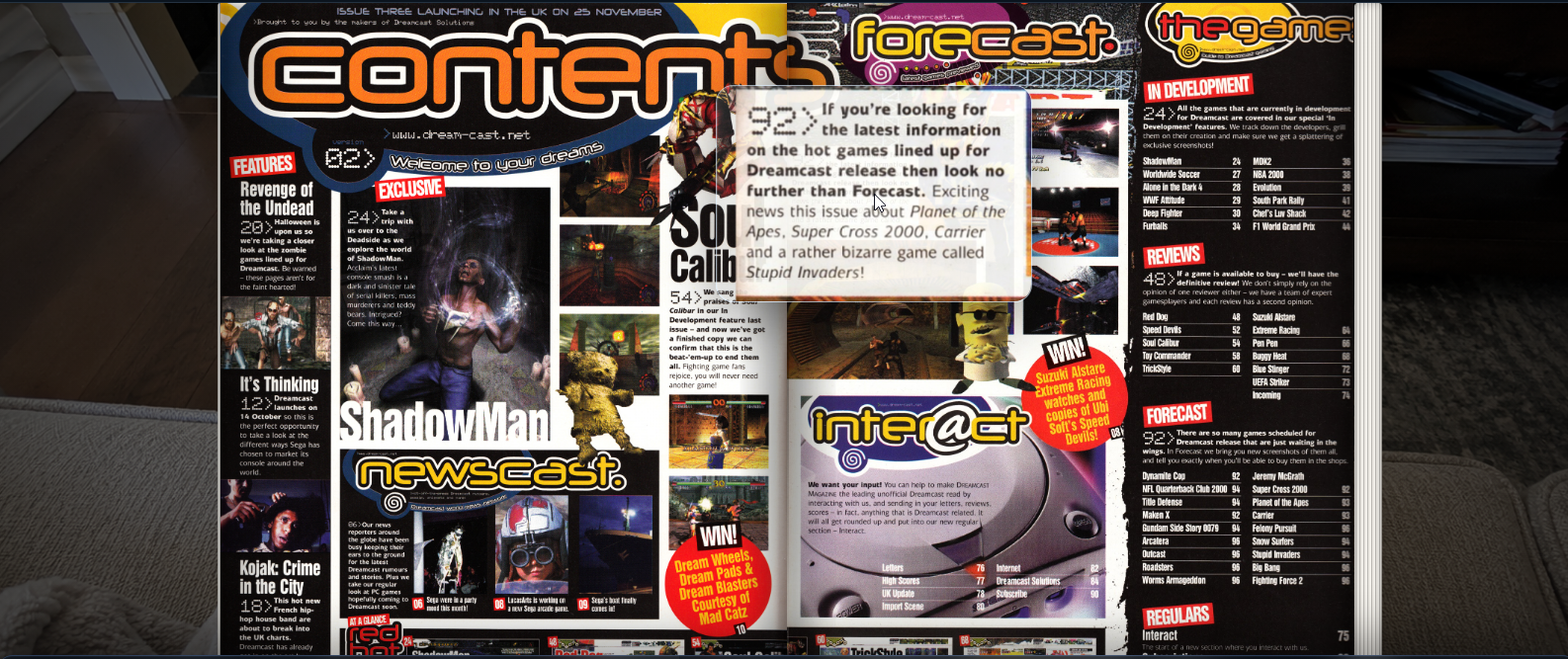
Zoom into dense maps, passwords, stat blocks, magazine columns, and small manual text without leaving the page.
Mark useful pages such as boss strategies, maps, passwords, move lists, charts, or reference tables, then add notes that can be edited inline or deleted later.

Use reader controls for page navigation, page slider, fullscreen, zoom, layout changes, bookmarks, library return, and an in-app keybind popup instead of a browser alert.
A magazine may need different defaults than a short manual or a wide strategy guide. Reading profiles can store preferred page type, transition, background, and zoom behavior at series or item level.
Apply a preferred reading experience to a group of related items.
Fine-tune a specific file when its scan layout is unusual.
Use background and brightness options to make long reading sessions easier on the eyes.